Table of Contents
Introduction
Today’s smartphones are incredibly powerful. Samsung Galaxy devices today deliver desktop-class performance with advanced multitasking, on-device AI features, and seamless connectivity. Another often-overlooked feature is Samsung DeX that turns a compatible Galaxy smartphone or tablet into a desktop-style workspace for productivity.
As DeX continues to improve, many users wonder whether Samsung DeX laptop replacement capabilities are finally strong enough to replace traditional laptops in 2026. The answer is completely dependent on how you use your computer. And for some users, Samsung DeX can do pretty much everything they need. For some, a traditional laptop still makes more sense.
What Is Samsung DeX?
According to Samsung, Samsung DeX allows compatible Galaxy devices to deliver a desktop-style interface with support for keyboards, mice, external displays, and multi-window productivity. This allows users to attach their mobile device to an external monitor, TV or PC and use a desktop-style interface rather than the normal mobile Android UI.
When enabled, Samsung DeX transforms the user interface into a desktop environment. You get resizable windows, taskbar navigation, full keyboard and mouse support, drag-and-drop, multi-window multitasking, and desktop-style app management. Instead of having two devices, a smartphone and a laptop, a Galaxy device can be potentially used for communication, entertainment and office work.
How Samsung DeX Works in 2026
Samsung has refined the DeX ecosystem to make it easy to use in minutes. Depending on your hardware preferences and working environment, there are three different ways to run Samsung DeX.
Wired Connection Method
The easiest way to use DeX is to connect your Galaxy phone to an external monitor with a USB-C to HDMI adapter or a direct USB-C cable. Plug the phone into a monitor and connect a keyboard and mouse via Bluetooth or a USB hub. The Samsung DeX interface will start automatically. Then you can begin working in DeX immediately in desktop mode.
Wireless DeX Ecosystem
The latest Galaxy devices support wireless DeX, meaning they can connect directly to smart TVs and monitors that support Miracast. So, you can use Samsung DeX wirelessly without hooking up your phone to a display via a cable.
Wireless DeX can also be paired with a Bluetooth keyboard and mouse to create a cleaner workspace with fewer cables on your desk. While a wired connection is the most stable route to go, wireless DeX still feels mobile enough for basic tasks like browsing the web, editing documents, checking email, and consuming media.
DeX on Galaxy Tablets
Samsung tablets offer a feature not commonly found on other Android tablets. They can run DeX mode right on the tablet itself (for example, on the premium Galaxy Tab S series). An official keyboard cover lets you instantly switch between normal Android tablet mode and the DeX desktop environment. This dual purpose design makes Samsung Tablets well suited for both work and entertainment.
Real-World Experience
In my experience, whether connected to a monitor with a cable, used wirelessly on a TV or running directly on a Galaxy Tab, the experience feels much closer to a traditional computer than most people expect. For web browsing, emails, documents, and multitasking, DeX handles everyday work comfortably. It won’t replace a powerful laptop for everyone, but for students, remote workers, and frequent travelers, it can significantly reduce the need to carry multiple devices.
Devices That Support Samsung DeX
Samsung DeX is a premium feature limited to Samsung’s flagship lineup. Most entry-level budget Galaxy devices do not support DeX because that secondary desktop interface requires more powerful hardware resources. Samsung maintains an official compatibility list that details which Galaxy smartphones and tablets support DeX functionality.
Flagship Galaxy Smartphones
Samsung DeX is available on most Galaxy S flagship devices, from older models to the newest flagship devices. And the foldable Galaxy Z Fold series makes excellent use of DeX, providing heavy multitaskers with a larger workspace even when not connected to an external monitor.
Galaxy Tab Devices
The premium Galaxy Tab S series tablets are designed to work well with DeX. But DeX support varies for the mid-range devices. So users should confirm that the model supports DeX if they are buying a mid-range Galaxy A series device specifically for it.
Benefits of Samsung DeX
One Device for Everyday Tasks
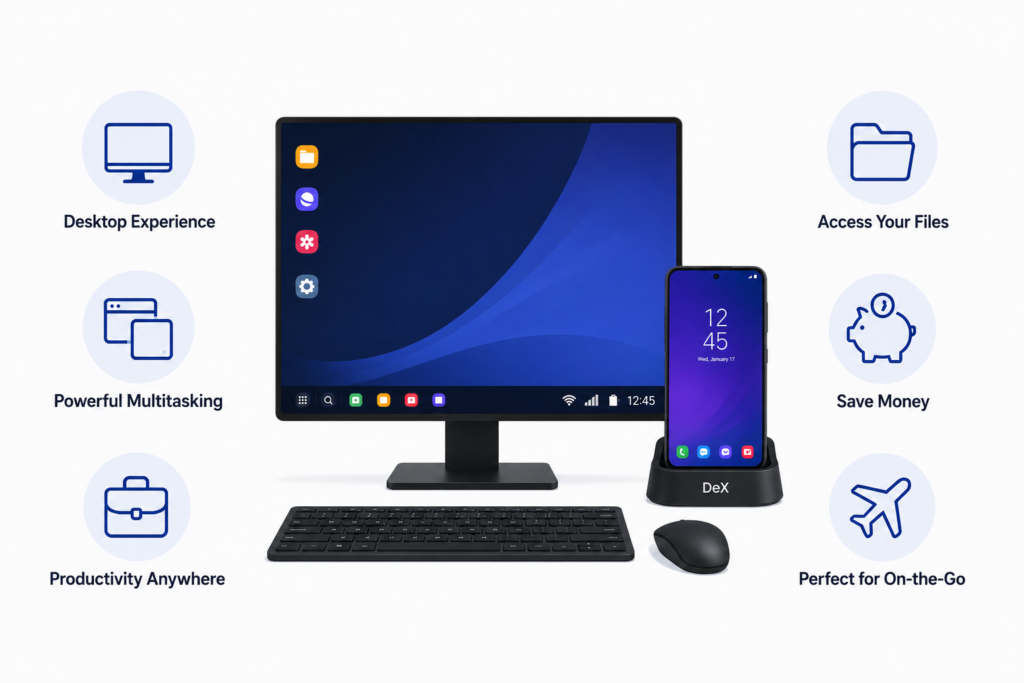
One of the main advantages of Samsung DeX is convenience. This is one reason why many users view Samsung DeX as a practical Samsung DeX laptop replacement for everyday computing. Instead of carrying and maintaining multiple devices, such as a tablet and a laptop, users can do many of their everyday computing tasks with one device. Your local files and logged-in apps, photos, and secure documents are available in one place without manual file transfers across multiple operating systems.
Advanced Multi-Window Multitasking
Samsung’s latest devices offer powerful multitasking features that provide a desktop-style experience. Strong multitasking capabilities make Samsung DeX productivity surprisingly close to a traditional desktop experience. Samsung DeX enables users to have multiple windows open at the same time, run multiple applications in the background and manage larger projects. For office work, deep research, and intensive productivity tasks, the experience feels surprisingly close to using a standard Windows PC or Mac.
Desktop Performance from Mobile Hardware
The processors inside modern Galaxy flagship phones are powerful enough to handle many Samsung DeX productivity tasks that people would normally perform on an entry-level laptop. Recent flagship Galaxy devices use advanced Snapdragon and Exynos processors with dedicated AI engines and desktop-class multitasking capabilities. Web browsing, 4K video streaming, document editing, email management, and online meetings all run smoothly on the Samsung DeX. The desktop environment during everyday work will often surprise first-time users with its smooth performance.
The Ultimate Portable Workstation
A Samsung phone easily fits into your pocket, meaning you are carrying your entire digital workspace everywhere you go. When paired with a portable monitor, a thin Bluetooth keyboard, and a wireless mouse, it becomes a complete workstation that can be deployed anywhere. This portability is especially useful for students moving between classrooms, freelancers, business travelers, and hybrid remote workers.
Budget Saving with DeX
If you have a flagship Galaxy device and DeX, some users may not need a separate laptop. This approach can save users hundreds of dollars in device costs, especially for those who primarily engage in everyday work. That’s a lot of devices to maintain and upgrade when you could just spend your budget on one device for many everyday tasks.
Best Tasks for Samsung DeX
Content Writing and Blogging
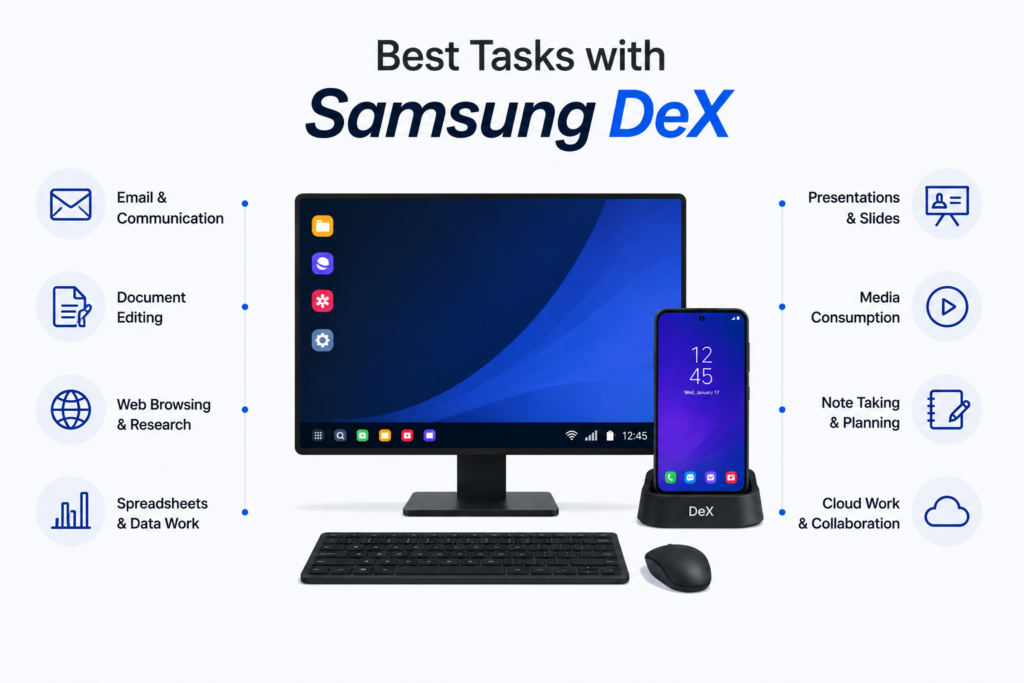
Content creators can easily create articles, edit long documents, research topics across multiple browser tabs, and manage websites. Standard productivity applications such as Google Docs, Microsoft Word, and WordPress work smoothly within DeX.
Office Productivity and Spreadsheets
Samsung DeX works well for handling large spreadsheets, creating client presentations, handling mail communication, and coordinating team project management tools. Many online productivity tools are easy to use via the mobile desktop browser, giving users full desktop layouts instead of mobile interfaces.
Online Learning and Education
Samsung DeX can be a useful tool for students who spend much of their time working online. The desktop-style interface makes it easier to research topics, write assignments, attend virtual classes, and organize study materials from a single workspace. One of DeX’s biggest advantages for students is multitasking. A lecture, research article or PDF can remain open in one window while notes are taken in another, reducing the need to constantly switch between apps.
Entertainment on a Bigger Screen
Samsung DeX is not just for productivity. It’s also great for streaming videos, listening to music and watching content on a bigger screen. Viewing on a Galaxy device connected to a monitor or TV is more comfortable than just viewing on a phone. Users can still access their apps, accounts and content when using the larger display as everything runs from the phone.
Samsung DeX for Remote Work and Cloud Computing
Samsung DeX for remote work is becoming increasingly practical as more businesses adopt browser-based software and cloud services. Many organizations now rely on cloud productivity tools like Microsoft 365 Web and Google Workspace that run entirely through a web browser, reducing dependence on traditional desktop software. For this type of work, Samsung DeX works surprisingly well, as modern mobile browsers can render full desktop sites without difficulty.
Where Samsung DeX Still Falls Short
Professional Software Limitations
You can run full desktop applications on traditional laptops, such as Adobe Premiere Pro, AutoCAD and full desktop Photoshop. Either these apps don’t exist on the Android ecosystem or they have limited functionality compared to desktop versions. Indeed, if your job depends on specialized desktop-only applications, you’ll still need a traditional laptop or desktop PC for those tasks.
Gaming Limitations
Mobile gaming has improved significantly in recent years, but Samsung DeX does not fully replace a dedicated gaming PC. If you’re a PC gamer who plays competitive esports games or high-end simulations, you’re going to find the Android app ecosystem too limited by comparison, as most mobile games are optimized for touch screens rather than for a keyboard and mouse.
File Management Limitations
Samsung has improved file management considerably, adding a more complete file management experience and local storage options. Windows and macOS still have far better folder organization, better batch operations on files and better compatibility with external drives. Advanced users working with large file collections may still notice the limitations.
Web and App Compatibility Limitations
Some older web sites and applications are designed for traditional desktop operating systems. DeX users may occasionally run into layout issues, compatibility issues or missing features on web apps that don’t work properly in mobile browsers. These situations are much less common than they were a few years ago, but they still appear occasionally, particularly with older websites and niche business applications.
Samsung DeX vs. Traditional Laptop
To help you decide which setup fits your lifestyle, let’s look at a quick comparison breakdown across core categories.
| Feature Category | Samsung DeX Setup | Traditional Laptop |
|---|---|---|
| Portability | Excellent portability; Fits easily in a pocket or bag | Bulkier to carry around, it requires dedicated laptop bags. |
| Battery Life | Generally offers longer battery life | Higher power draw drains batteries faster under load. |
| Software Availability | Limited to the Android Google Play Store and web apps | Supports a wider range of desktop software |
| Productivity Performance | Handles common productivity tasks comfortably | Better suited to professional software, coding, and creative work |
| Total Hardware Cost | Can save money if you already own a Galaxy flagship | Usually requires purchasing a separate device |
Who Should Use Samsung DeX?
Students
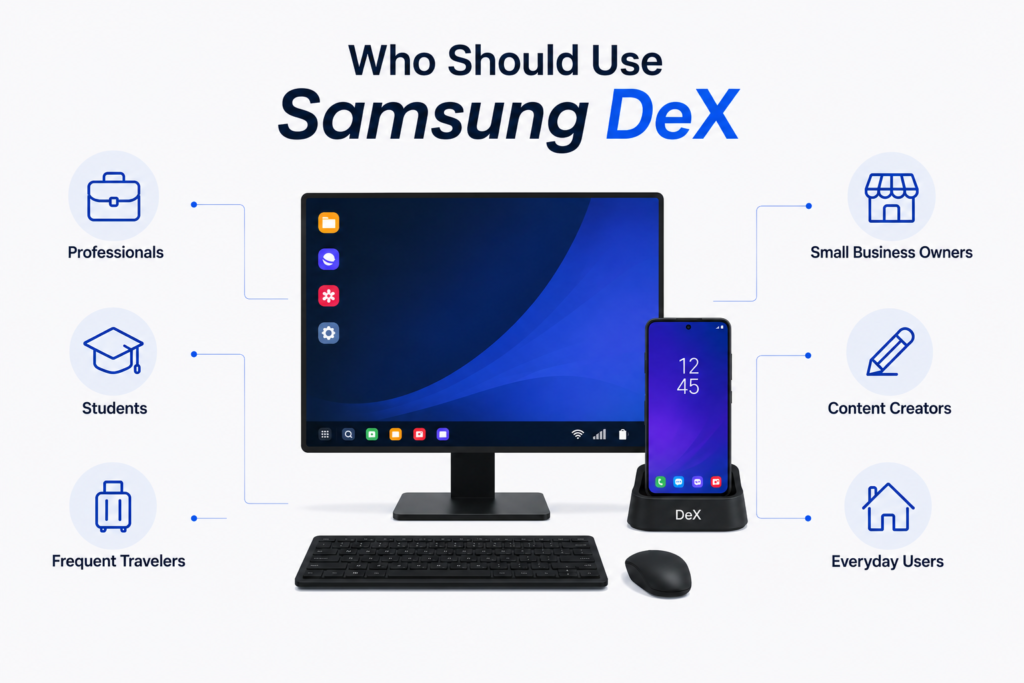
For students who spend most of their time on online learning platforms, web research tools, and cloud-based productivity apps, Samsung DeX may handle much of the academic workload. It’s a practical alternative to a traditional laptop for note-taking, assignments, research and virtual classes.
Writers and Bloggers
DeX can be especially good for writers, bloggers and content creators who do a lot of writing. From the comfort of the desktop-style interface, you can research topics, write articles, edit content and manage websites using platforms such as WordPress.
Office Professionals
Samsung DeX for remote work can eliminate the need to carry a separate laptop. Professionals who spend their day managing emails, editing documents, creating presentations and working with cloud-based software will likely find DeX capable of handling most routine office tasks. For browser-based workflows, the experience is often closer to a laptop than many people expect.
Frequent Travelers
Those who travel a lot and work remotely as digital nomads might like the chance to travel lighter and have a fully equipped workspace available when needed. If you have a compatible monitor or TV at your destination, a Galaxy device running DeX can deliver a surprisingly powerful desktop-like setup on the move.
Who Still Needs a Dedicated Laptop?
A traditional laptop or desktop workstation often remains the better choice for software developers, content creators, engineers, data analysts and heavy PC gamers. These professional disciplines depend heavily on demanding computing workloads, professional desktop software and advanced file management that the Android ecosystem doesn’t yet match.
Final Verdict: Can Samsung DeX Replace a Laptop?
For many users, the answer is definitely yes. If your everyday tasks involve web browsing, document writing, email handling, video conferencing and streaming media consumption, Samsung DeX can serve as a practical alternative to a laptop.
But professionals who need specialized desktop software, advanced file management or professional creative work will continue to benefit from the traditional laptop ecosystem. While Samsung DeX isn’t a full laptop replacement for every single user, it has become one of the most capable productivity features available on a smartphone. For students, writers, business users and travelers, it shows how much modern smartphones can do, in which almost everything about your digital life is handled by a single device.
Can Samsung DeX run Windows applications?
No. Samsung DeX is an Android-based system and cannot run traditional Windows programs directly. But you can still run Windows apps on DeX via cloud desktop services tools like Microsoft Azure Virtual Desktop, Amazon WorkSpaces, or remote desktop applications like TeamViewer and Citrix. For most everyday tasks, you will need to use Android alternatives on the Google Play Store or use full web versions of those applications.
Which Samsung phones support DeX mode?
Samsung DeX is only supported on Galaxy flagship devices. It is available on the Galaxy S series (S8 and later), the Galaxy Note series (Note8 and later) and Galaxy Z Fold devices. It’s also available for Galaxy Tab S tablets. Note that DeX is not supported on mid-range Galaxy A phones or the Galaxy Z Flip series.
Does Samsung DeX drain the phone’s battery quickly?
Wireless DeX will drain your phone faster as it consumes additional power compared to normal phone use. But if you connect the device to a wired connection via a USB-C hub or a compatible USB-C connection that’s plugged into a power source, it’ll stay charged while outputting the desktop interface, so battery drain is usually much less of a concern.
Can I use any keyboard and mouse with Samsung DeX?
Yes, Samsung DeX works well with common peripherals. You can directly connect any wireless, compatible Bluetooth accessories to your Galaxy phone or tablet. Alternatively, if you have a wired USB-C docking station or adapter, you can plug in traditional USB-A wired keyboards, mice and external flash drives, and they’ll work right away, typically without additional setup.
Is Samsung DeX powerful enough for video editing?
Samsung DeX can handle basic to intermediate video editing with Android apps like LumaFusion, CapCut or Adobe Premiere Rush. Flagship Galaxy phones handle these editing apps smoothly. But DeX is not a replacement for professional video production that requires desktop editing software like full Adobe Premiere Pro, DaVinci Resolve or Final Cut Pro.